Restaurants and service counters
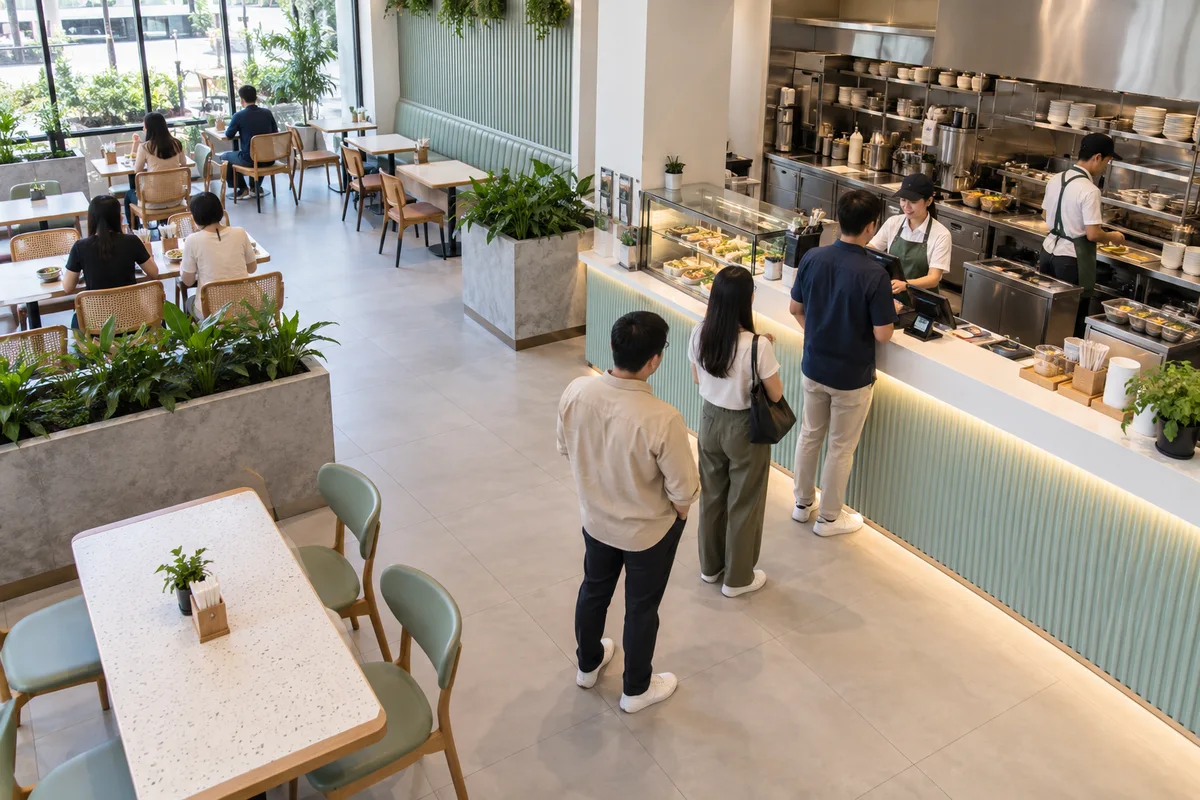
Queues, unattended counters, hygiene steps and protective clothing, reviewed across shifts.


A product by MN Solutions
Your cameras, watching for what matters to you.
MataAI turns existing cameras into smart monitors. Connect a supported camera or video file, describe what to watch for in plain English, and receive alerts with marked images, summaries and reports.
Where it helps
Test rules with footage from your own setting before relying on them.
Queues, unattended counters, hygiene steps and protective clothing, reviewed across shifts.
Alerts for unattended checkouts, spills, crowding and empty shelf spaces.
Protective equipment, restricted zones, blocked exits and unsafe vehicle-pedestrian interaction.
After-hours presence, doors left open, vehicles in restricted areas and failed camera feeds.
What it does
Browser or device camera, video file, live stream or image feed, including RTSP, MJPEG and HTTP snapshots. Check your feed during a demo.
Describe the visible condition and set severity. MataAI turns it into a visual checklist.
Choose whether staff are notified once, after repeated checks, or while a condition continues.
Marked snapshots, event history, short summaries and exportable reports.
Dead, black, frozen, disconnected or looping feeds can trigger a critical alert.
Telegram forwarding is available today. Email, WhatsApp and webhooks are on the roadmap.
How it works
Add a live camera, stream, snapshot source or recorded file.
Write what matters, set severity and choose an alert policy.
An AI vision model checks sampled frames against your visual checklist.
Send the alert and keep its image, summary or report.
Buying questions
It supports CCTV feeds, browser cameras, uploaded video and image feeds. Test the feed, network access and image quality first, since camera brand alone does not confirm compatibility.
No. Write the rule, try it on sample footage and review the marked images. These are possible uses, not guaranteed accuracy.
Locally hosted models are supported, but verify the model connection and every enabled integration first. Staff must review alerts; AI does not replace safety procedures.
Telegram is currently supported. Email, WhatsApp and webhooks are upcoming, so confirm with the team before relying on them.
Next step
Share your task and users and we will provide a demo, setup explanation and quote.