Conferences and town halls
Let every attendee hear and read the speaker in their own language.


A product by MN Solutions
Speak once. Be understood in every language.
SalamAI translates live speech for meetings, events and face-to-face conversations, with spoken translation and live subtitles. It runs in the browser, with no app to install.
Live browser test. Try live translation with your own voice. Allow microphone access, use sample speech without private information, and remember AI can make mistakes.
Where it helps
Let every attendee hear and read the speaker in their own language.
Support face-to-face conversations between staff and the people they serve.
Make talks and lessons accessible to mixed-language audiences.
Guide visitors and customers without waiting for an interpreter.
Session modes
One speaker is translated and captioned for listeners.
Two people talk using voice detection or push-to-talk.
A presenter joins from a phone through a temporary link.
Listeners use their phones to hear audio and read subtitles. Currently one-way only, with roughly 6 to 20 seconds of delay.
Encrypted history, optional summaries or recordings, and a text-only caption mode for OBS.
Two-step sign-in, invite-only teams, data separation, audit logs and client-side encryption of transcripts and recordings.
How it works
Microphone, mixer, browser tab, app audio or a remote speaker.
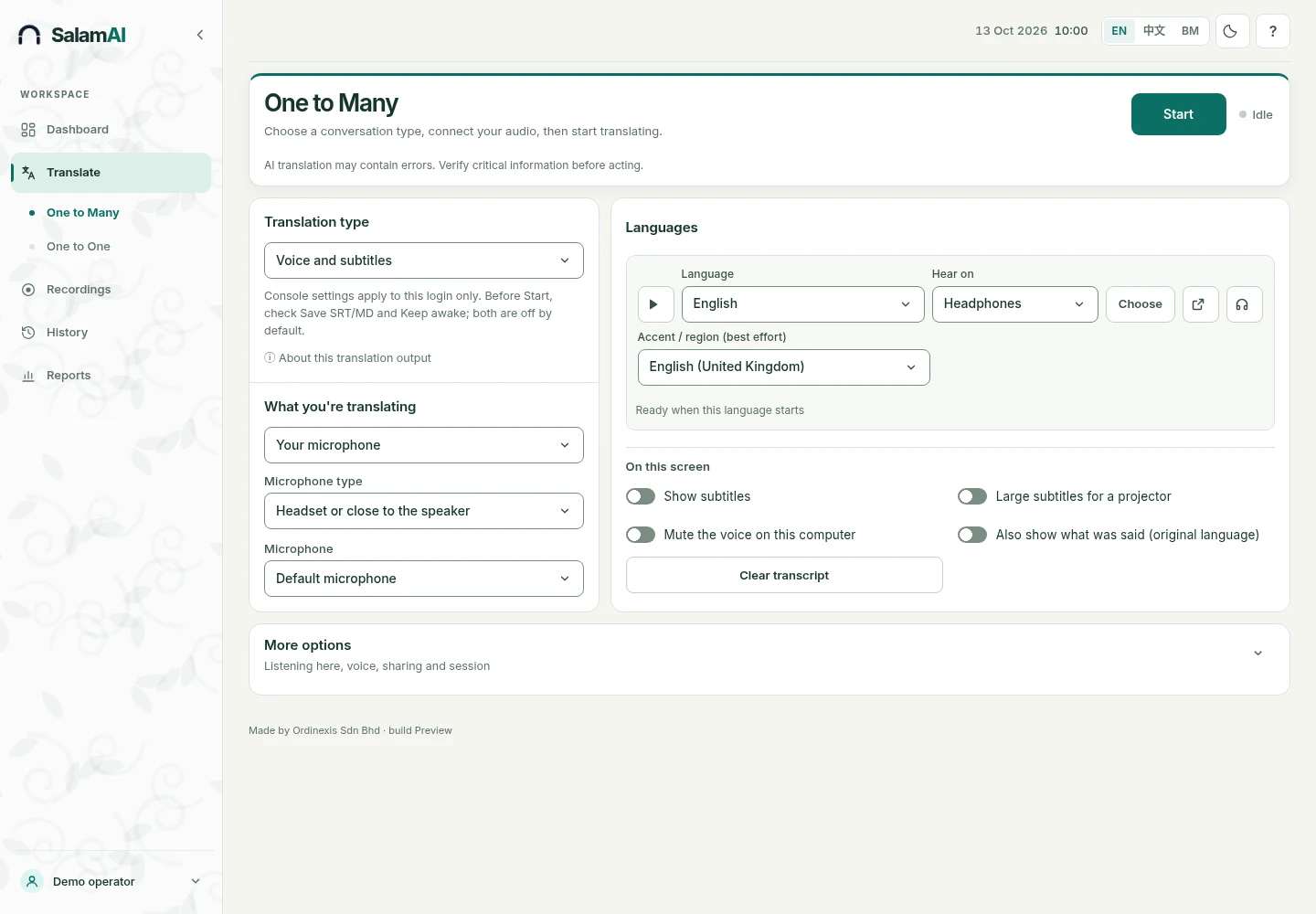
Pick output languages, volume and audio device.
Subtitles appear first, followed by the spoken translation.
Use Companion Mode if the audience needs it on their own phones.
Buying questions
They can hear translated speech and read captions. Companion Mode needs no app.
Pricing depends on translation time and the number of active output languages, at the agreed rate. Confirm rates and expected usage before an event.
Yes, in the browser. A qualified person should check medical, legal, safety and other important translations.
They are in the broader catalogue, but speech, subtitle and voice options vary. Test your exact language before an event.
Next step
We can show SalamAI working, explain the setup and provide a quote.