Healthcare
Answer common questions, support appointment requests, send reminders and transfer sensitive conversations to the right person.


A product by MN Solutions
Every call answered, day or night.
Saloma AI provides AI voice agents for phone calls and websites. They answer incoming calls, make planned follow-up calls and talk with website visitors, while staff can listen in, take over and review every call.
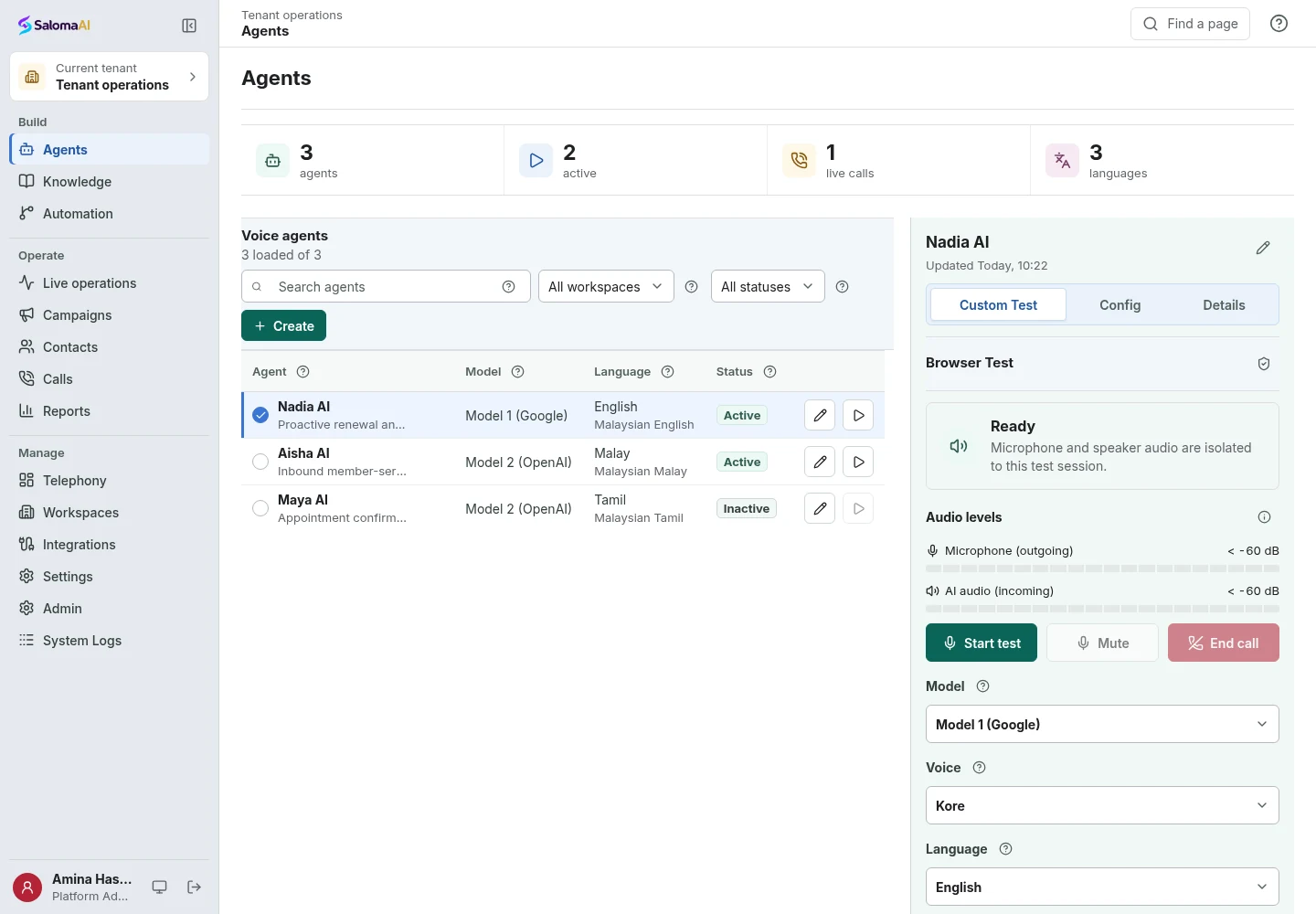
Live browser test. Start a voice conversation with the Web Talk button. Use a supported browser, allow microphone access and do not share confidential information.
Where it helps
Answer common questions, support appointment requests, send reminders and transfer sensitive conversations to the right person.
Handle routine service calls and follow-ups, with staff permissions, hidden sensitive details and storage rules.
First-line support, surveys, callbacks and cover when staff are busy.
Answer repeat questions, capture requests, coordinate follow-ups and serve callers in 70+ languages.
Platform
A branded call button on your website, with staff monitoring, takeover and usage review.
Monitor calls, listen in, give private guidance, hold, transfer, pause or resume the AI, and end calls.
Incoming, outbound or combined campaigns with limits, schedules, retries, callbacks, consent and do-not-call checks.
A visual editor for call steps and automated tasks, with versioning, testing and publishing.
Recordings, transcripts, summaries, outcomes, costs and quality measures in one record.
Connect business software via REST, MCP tools and WhatsApp Cloud, with encrypted credentials and task records.
How it works
Set the call mode, audience, capacity, call windows, agent, knowledge, voice, language and reports.
Try the agent in a browser and test workflow steps before going live.
Check and publish a saved version that cannot be changed.
Supervise calls, review outcomes and costs, and prepare the next version.
Buying questions
Yes, for routine enquiries on phone and website, with transfer to staff when needed.
Phone and website use, outgoing attempts, simultaneous calls, agent licences and models. Phone connections, messages, knowledge processing, recordings and storage may add costs. Quotes are available on request.
Saloma AI answers business calls and performs configured tasks. SalamAI translates speech between people.
Yes.
Next step
Tell us about your calls and we will provide a demo, setup explanation and quote.